
STUDENT ACCOUNTS
From classroom communication to messaging with coaches, students (13 and older) stay informed.
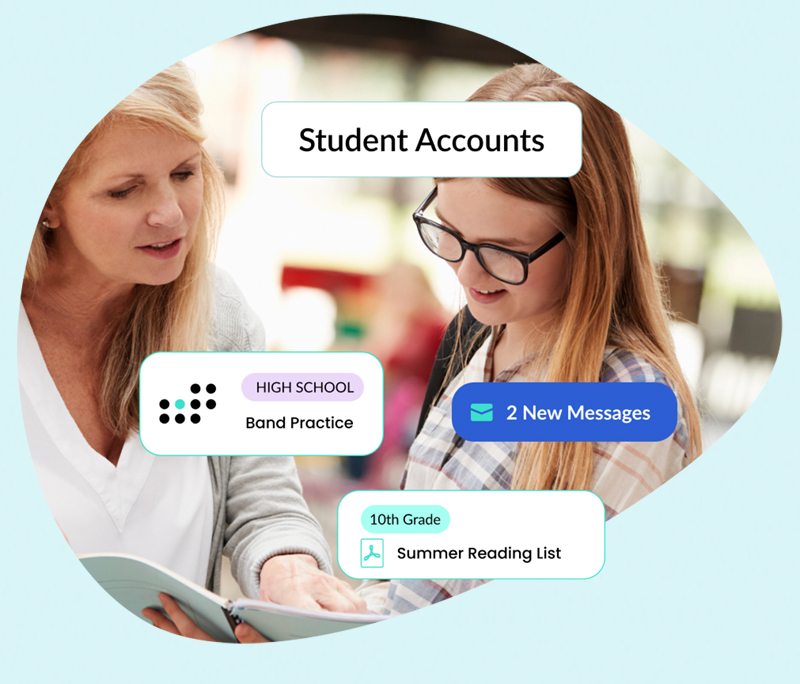

Communicate directly with students age 13 and older through the same School Signals environment used by administrators, staff, and families.
Schools decide whether student access is offered, how students may participate, and when access should be restricted or deactivated. Students do not independently create accounts outside of the school’s account structure.
Bring eligible middle and high school students into the same School Signals environment used by administrators, staff, and families. Students can receive school communication directly, while the school maintains control over access and participation.
Student accounts are primarily designed for schools that want to let students message and receive messages from teachers and coaches, and stay updated on school news, classroom updates, and after-school club/program announcements and coordination.
Communication rights (what students can do on the platform) can be configured by the school using built-in settings.
Students use the same platform and app as parents, teachers, and school administrators. Each user group’s user rights vary, but the architecture and the platform experience are synchronized, making user expectations clear and support easy to provide.
Yes. The student accounts system in School Signals is designed with great flexibility, allowing schools to set user rights for students.
For instance, students may be allowed to exchange private chat messages only if a staff member is added to the conversation. Or, chat can be fully turned off if students are only to receive announcements and notifications.
Students’ posting rights can be set differently for school-wide, classroom, groups, and after-school clubs.
With student access, older students can keep up with school events, announcements, and updates that directly involve them. Students can fill out online forms, view and comment on their student portfolios, and actively participate in the Classroom spaces. Per feedback, high school students need to communicate with coaches on logistics — students can do it all in School Signals, while school administrators can monitor communication.
Yes, School Signals can securely sync student data from PowerSchool, Blackbaud, and FACTS.
If your SIS is not one of the three above, we will contact your school’s SIS provider for the latest information on how best to connect with their data.
No. Student accounts are an optional feature, intended for students 13 and older, and only for those schools that want to allow student access.
Once accounts are created, it is time to invite students. When you are ready, just click the Send Invites button.
All students with a valid email address receive an invitation. The students need to just set their password and accept the terms of use, and they are in.
You will get a report on which students have activated their accounts. You can resend the invite to those who have not done so at any time.
Athletics and after-school club communication, in general are among the primary reasons schools need to provide students with access to a school communication platform.
Older students often manage athletic communication and logistics independently or together with their parents. Students need to know changes to practice times, required forms the family needs to fill out, upcoming games, and a way to quickly reach out to their coach or other trusted adults.
School Signals seamlessly brings athletics communication to the platform, while allowing an oversight to school administrators to capture and monitor the communication. Parents don’t need to download another app just for athletics communication — School Signals provides a unified platform for all school communication.