


PTA / PTO / PARENT GROUPS
PTA and PTO Groups are the heart of engaged school communities. Your organization deserves the best-in-class PTA app and tools to communicate, support teachers and students, and drive volunteering.
Don't isolate your PTA communication to third-party apps. Instead, reach the entire school community. Spotlight ongoing PTA goals, such as fundraising campaigns or school improvement efforts, ensuring all parents are informed.

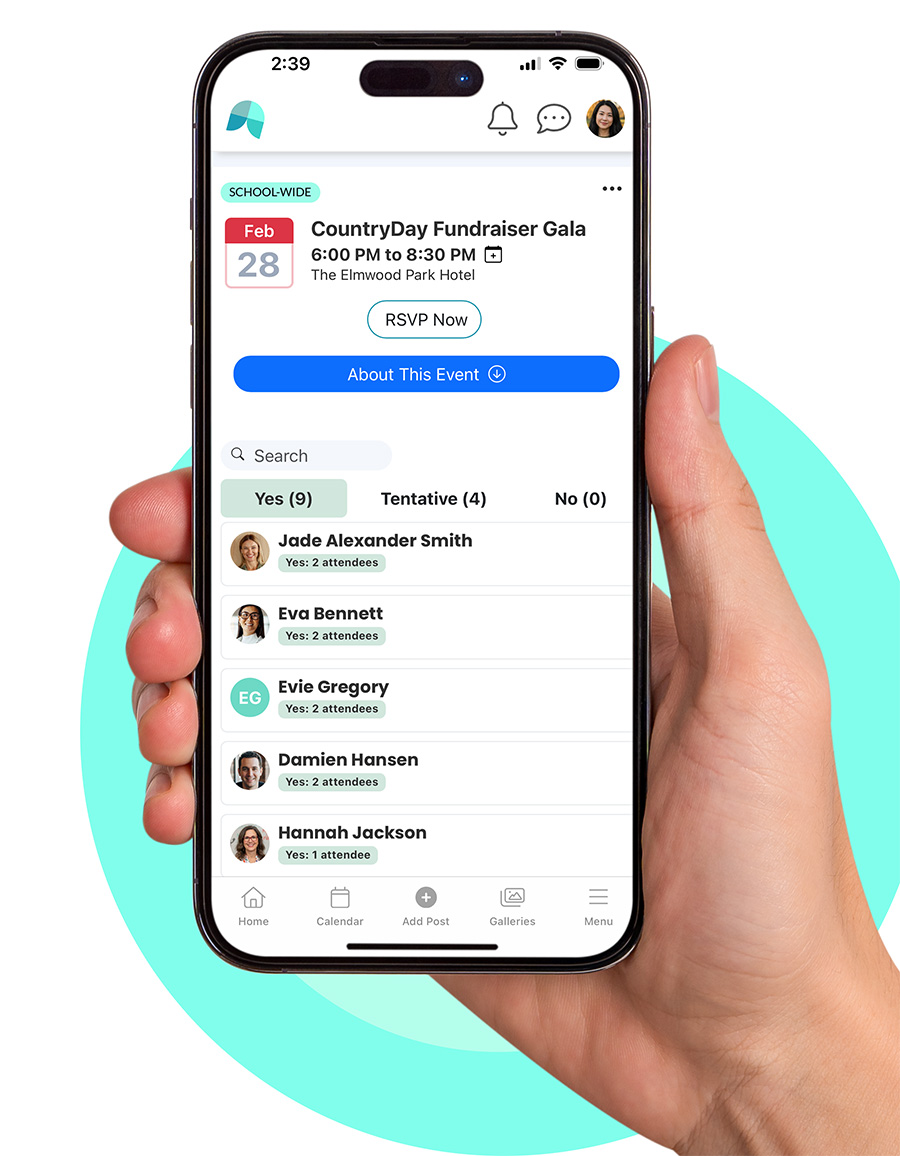
PTA-run events and volunteer opportunities are seamlessly highlighted on School Signals. You can collect RSVP and create both time-based and role-based volunteer opportunities that span the entire school year.

Your PTA news and updates, meeting minutes, documents, and online forms are all in the same ecosystem. Parents know where to find them. No more dividing parents' attention between hard-to-find web pages and unreliable social media announcements.
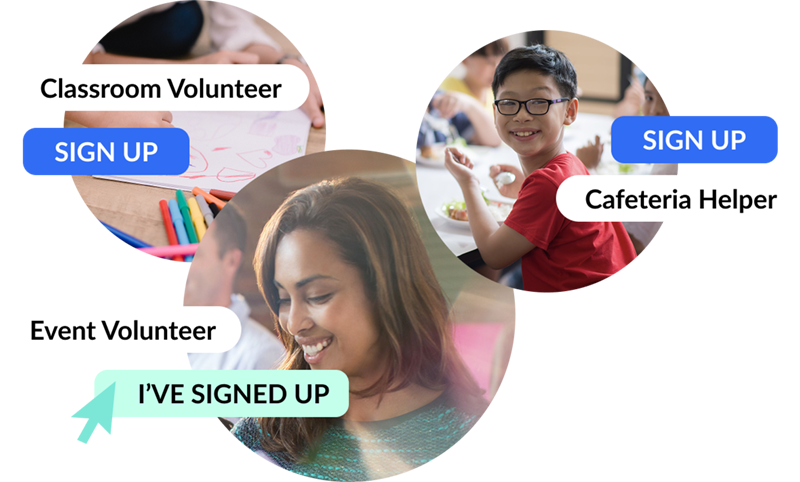
Active PTAs rely on active parent volunteers. Your PTA space integrates with a volunteer system where you can post both time-based and role-based volunteer opportunities for parents to sign up. You can make volunteer opportunities for PTA members only or as a School Admin or Parent Admin, extend the reach school-wide.
| Platform | Ownership Model (Who signs up and manages) | PTA Member Messaging | News & Updates Feed | Events RSVP | Volunteer Sign-ups | Online Payments | Integrated with School Communication |
|---|---|---|---|---|---|---|---|
| Membership Toolkit | PTA subscribes and manages its own account | ◐ | ◐ | ✅ | ✅ | ✅ | ❌ |
| PTBoard | PTA subscribes and manages its own account | ◐ | ◐ | ✅ | ✅ | ◐ | ❌ |
| Remind | Teacher or PTA creates and manages messaging groups | ✅ | ◐ | ❌ | ❌ | ❌ | ❌ |
| Bloomz | Teacher or school creates accounts; PTA participates within it | ✅ | ✅ | ◐ | ◐ | ❌ | ❌ |
| ParentSquare | School or district subscribes and manages the system | ✅ | ✅ | ✅ | ◐ | ❌ | ◐ |
| PTO Today | PTA accesses resources; no central communication system to manage | ❌ | ❌ | ❌ | ❌ | ❌ | ❌ |
| Hybrid: Facebook, Forms, PTA Website | PTA sets up and manages multiple separate tools | ✅ | ✅ | ◐ | ◐ | ◐ (depends on the setup) | ❌ |
| School Signals | School or PTA creates account; both operate in one shared system | ✅ | ✅ | ✅ | ✅ | ❌ | ✅ |
We will show you how School Signals works, and answer your questions. Product discovery calls take 15 to 30 minutes.
School Signals is the perfect place to run your school’s PTA. Create your PTA space, and let parents join it automatically or through an application process. You can request members to answer three questions before approving their application. In the PTA space, you can do a lot:
If you are running a third-party app exclusive for your parent group only, you miss out on the opportunity of reaching the entire school community. With School Signals, you can quickly reach out to all parents and activate their participation to volunteer, attend events, get donations, and join the PTA. Your PTA is no longer isolated and hard-to-find from the school community but integrated with the unified school communication app.
Yes, the PTA space is for the PTA members only. You can control who gets access to the space by making joining the group to require an approval by the group admin. Additionally, you can create separate private spaces for planning committees and parent advocacy groups.
Absolutely. To plan your events optimally, you can create PTA events with RSVP.
Yes, School Signals comes with a document management system for documents to be shared with group members. You can use pre-set folders such as ‘Meeting Minutes’, ‘Resources’, ‘Policies’ to keep the documents organized. And yes, you can create custom folders including sub-folders.
Yes. You can make posts to your PTA group without notifying the whole school.
Use the School Feed to spotlight ongoing projects and fundraising goals, and create school-wide events to reach everyone.
School Signals comes with various user right settings to ensure that all members can do their work and communicate effectively.
Large PTA groups who actively facilitate school communication school-wide to keep parents informed and engaged may subscribe to use School Signals independently. It is up to the organization to allocate admin roles in the system accordingly.
Smaller parent groups may be invited to use the system by school leaders and family liaison members.
School Signals does not include built-in accounting features. Many PTAs continue to use their preferred financial software (like QuickBooks or Cheddar Up) alongside School Signals. We focus on streamlining communication, event planning, volunteer coordination, and parent engagement—all the areas where PTAs often need the most support.

My child’s elementary school has a small garden with a mix of native plants for pollinators, raised beds for herbs and veggies, and a tiny fairy garden. We have a great school community, with parents eager to volunteer. On a recent garden workday, I was impressed by the volunteers who came to rake leaves on a weekend morning, but also dismayed at the logistics of making things happen. I originally signed up for the garden committee via a Google Form organized by the PTA, but I only found out about the workday in the PTA’s Facebook group. I texted the garden committee leader to let them know I would be there. How many different forms of communication did we need?
We had a great discussion about ideas for the garden. We like picking fresh herbs and knowing that we’re supporting a healthy ecosystem with the raised beds, but do the elementary students care? How could we make the garden more of a place for them? What could we do to help teachers incorporate the garden into their lessons? Could students plant seeds or harvest pumpkins in the fall? Could we do cooking demonstrations in their classrooms with freshly grown produce?
We needed to ask the teachers if they were interested and how we could support them. No one wants to make more work for their child’s teacher. One parent volunteered to get in touch with the teachers. Later, the garden coordinator, also a parent, emailed us a thank-you note. We had so many good ideas and a lot of willingness to help, but the efforts felt disjointed.
A lot of school communication is like this, with some things coming home in printouts in backpacks, other reminders via email, and some through the SeeSaw or Brightwheel apps, and other sign-ups through SignUpGenius or Google Docs/forms.
I was pretty impressed when I learned about School Signals, a platform that handles volunteering, communication, and calendars all in one place. How cool would it be if I could check the school calendar to see a garden workday, along with upcoming half-days and deadlines to sign up for seasonal sports?
There are a lot of school tech solutions out there, but this is the first one I’ve seen that integrates PTO/parent engagement with other communications from school administrators and teachers. It’s a great way to bring the whole school community together in one place, with the ability to comment and ask questions, without having to rely on social media’s algorithms to tell us what they expect us to want to see.