STUDENT PORTFOLIOS
Celebrate students’ learning progress by sharing learning milestones and special learning moments with parents.
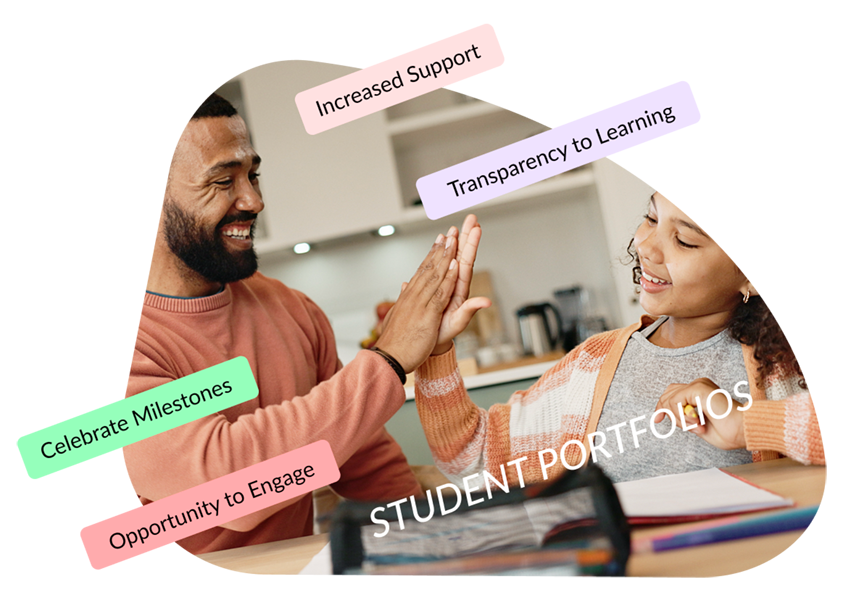
Student Portfolios are for teachers to share special learning updates with families. Teachers choose which examples of student work to highlight and create portfolio entries that may include photos, videos, documents, and descriptions.
By featuring examples of strong work, active participation, classroom achievements, and academic progress, Student Portfolios celebrate growth throughout the school year. Recognition tags help highlight accomplishments and create positive opportunities for family engagement and encouragement.



| Company | Student Portfolios |
|---|---|
| School Signals | ✅ |
| Bloomz | ✅ |
| ClassDojo | ✅ (Students upload their work) |
| Seesaw | ✅ (Students upload their work) |
| ParentSquare | ❌ |
| SchoolStatus | ❌ |
| Apptegy | ❌ |
| Finalsite | ❌ |
| Remind | ❌ |
We will show you how School Signals works, and answer your questions. Product discovery calls take 15 to 30 minutes.
Student Portfolios keep families up to date on their child’s learning progress by providing a window into real examples of student work. Portfolios offer an additional way for teachers to connect with families, share positive learning updates, and highlight student progress in a clear, personal way.
The School Signals Student Portfolio system focuses on positive and constructive learning updates. Teachers add a portfolio update by selecting the student’s name and creating an update that may include a description, images, videos, and documents. They can assign a special recognition such as “Strong Progress”, “Quality Work”, or “Active Participation.”
Portfolios are accessible exclusively to the student’s parents or guardians.
Traditionally, student work has been communicated through report cards or sent home with students. Digital portfolios provide an additional record and a constructive means to recognize learning progress, milestones, and achievements.
Student portfolios are designed to serve as a shared platform for parents and teachers to collaboratively update and acknowledge students’ learning progress.
Parents receive notifications of portfolio updates by email and app push notifications.
Unless the teacher restricts comments, parents can leave comments and questions for teachers to review and respond to.
Parents can download posted videos, photos and attachments in the portfolio.
Yes. Parents set their language preference in My Account. Their language can also be set by the School Admin in the account management. Portfolio entries are automatically translated to parents’ home languages. Likewise, when a parent responds or asks a question, the system auto-translates the comment to English while retaining the original comment.
School Signals unifies school communication by bringing together district news, school-wide announcements, teacher updates, and communications from the PTO/PTA and athletics departments into one platform. Student Portfolios are for teachers to enhance communication with parents and provide a private channel for one-on-one learning updates about each student. Teachers and parents can also message privately in the chat.
Seesaw is primarily focused on student learning, classroom activities, and digital portfolios. While Seesaw includes family engagement tools, many schools use additional systems for school-wide announcements, district communications, athletics, PTO/PTA communications, volunteering, forms, and other school communication needs. School Signals combines these communication functions with Student Portfolios in a single platform.
Teachers can make updates that include videos, photos, document attachments, and descriptions. Teachers can make a special shout-out by selecting an applicable recognition tag.
Teachers can decide the timing and expectations for portfolios. They may post a few times during each semester to celebrate special milestones, or use portfolios more frequently to document and update parents.
No. School Signals Student Portfolios are teacher-driven and designed to help teachers share examples of student learning with families. Teachers create portfolio entries and can attach photos, videos, documents, and written updates to showcase student progress, projects, achievements, and classroom work.
Teachers manage portfolio content directly, so schools do not need to create student accounts or require students to spend additional screen time uploading content. Student Portfolios focus on school-home communication while providing families with meaningful insight into their child’s learning and growth.
Yes, a teacher can upload each student’s sample work to increase preparation for the conferences. Together, the teacher and the child’s parents can review selected work displayed in the student’s portfolio page. Adding the content before the conference helps parents prepare, too.