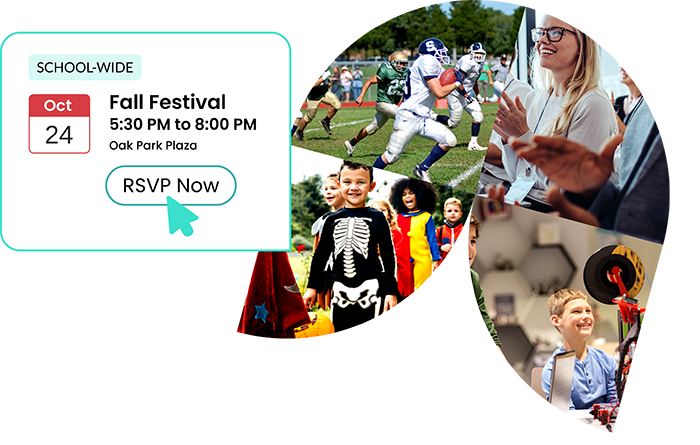

Bring school-wide, classroom, and PTO events into a single, reliable place. Families see the full picture without piecing together information from multiple sources. Planning becomes easier when everything is organized and visible.

Events are communicated to families clearly and consistently, so families have time to prepare, respond, and participate without confusion. You reduce missed events and last-minute questions.

Events do more than appear on a calendar. RSVPs, volunteer sign-ups, forms, and updates are connected to each event. Families stay involved from planning through participation.


Yes. Volunteering is an integral part of many school events. When families view an event, they can see related volunteer opportunities. Many events require parent volunteers to run smoothly.
For instance, a field trip may ask parents to volunteer in different roles, or a fall festival often offers many volunteer opportunities. A teacher or classroom parent may request a few parents to host a craft table. A book fair is often organized by the school’s PTA/PTO, with volunteers staffing check-out stations. The opportunities are expansive.
Parents can find all upcoming events in the School Calendar and the events page. Events are contextually also displayed in applicable Classrooms, Parent Groups, and After-school Programs.
Event organizers can also download a QR code and share it with families. The QR code is a link to the event page.
Yes. You can create events for teacher/staff professional development days, seminars, and parties, and publish them for teachers/staff only. School Signals supports internal teacher/staff communication, strengthening everyday communication and trust among teachers, administrators, and staff.