SCHOOL DOCUMENT MANAGEMENT
Publish documents fast to the audience of your choice.
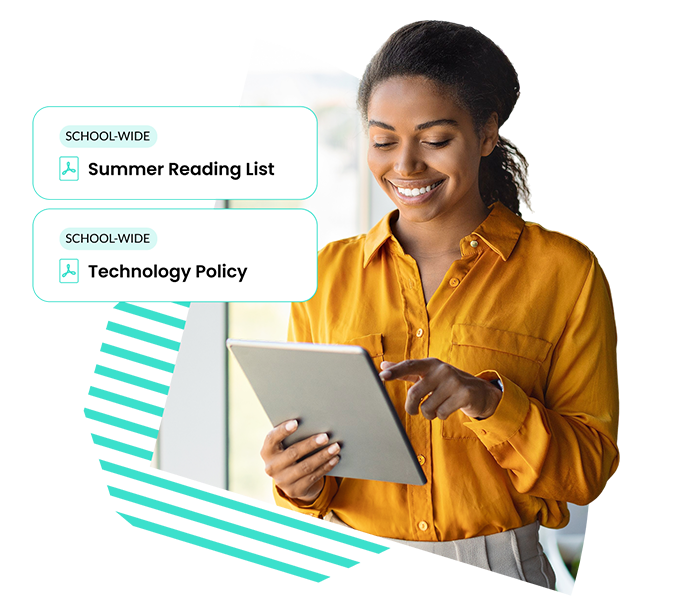
The School Signals document management system makes sharing and finding your school documents effortless.
With School Signals’ document management software, your documents remain organized and easy to locate, both by parents and admins. Designate specific audiences for each document and arrange them into folders and sub-folders for optimal organization.
Accessible on desktop, mobile, and through our app, School Signals ensures that no document is ever lost again.

| Feature | School Signals | ParentSquare | Bloomz | SchoolStatus | ClassDojo | Apptegy | Finalsite | Remind |
|---|---|---|---|---|---|---|---|---|
| Central document library (e.g., “Resources”) | ✅ | ◐ | ◐ | ❌ | ❌ | ◐ | ◐ | ❌ |
| Folders / sub-folders (internal organization) | ✅ | ◐ | ❌ | ❌ | ❌ | ◐ | ◐ | ❌ |
| Audience-based document visibility | ✅ | ✅ | ✅ | ◐ | ◐ | ✅ | ◐ | ◐ |
| Documents independent of posts | ✅ | ◐ | ❌ | ❌ | ❌ | ◐ | ◐ | ❌ |
| Documents organized within classrooms / groups / programs | ✅ | ◐ | ◐ | ❌ | ❌ | ❌ | ❌ | ❌ |
| Same documents accessible centrally + contextually | ✅ | ❌ | ❌ | ❌ | ❌ | ❌ | ❌ | ❌ |
| School-wide document organization | ✅ | ◐ | ❌ | ❌ | ❌ | ◐ | ◐ | ❌ |
| Public document publishing (no login) | ❌ | ◐ | ❌ | ❌ | ❌ | ✅ | ✅ | ❌ |
| Website-style document hosting (pages) | ❌ | ❌ | ❌ | ❌ | ❌ | ✅ | ✅ | ❌ |
We will show you how School Signals works, and answer your questions. Product discovery calls take 15 to 30 minutes.
Schools share a wide range of policy and informational documents with families throughout the year. These often include:
The table below shows common examples:
| Category | Document | Purpose |
|---|---|---|
| School Operations | Student Handbook | Defines school rules, expectations, and daily procedures |
| Attendance | Attendance Policy | Explains absence reporting, tardiness, and attendance expectations |
| Behavior | Code of Conduct | Outlines behavior standards and disciplinary actions |
| Health & Safety | Health and Medication Policy | Guides illness, medications, nurse visits, and related procedures |
| Health & Safety | Emergency Procedures | Details weather closures, lockdowns, and crisis response protocols |
| Technology | Acceptable Use Policy (AUP) | Defines appropriate student use of devices, software, and internet access |
| Privacy | FERPA Notice | Explains student data privacy rights and school record protections |
| Transportation | Transportation Policy | Covers bus rules, transportation eligibility, and route-related expectations |
| Nutrition | Meal Program Information | Explains lunch accounts, meal options, and eligibility information |
| Communication | School Calendar | Provides key dates, holidays, breaks, and school events |
| Compliance | Title I / Family Engagement Policy | Outlines family engagement expectations and required school-family partnership information |
Teachers typically share:
In School Signals, teachers have a designated classroom hub where they share documents with families.
School leaders often share:
In School Signals, document access can be set for teachers/staff.
Digital document management helps schools:
Yes, document visibility can be managed with precision:
PTA/PTO documents typically include:
In many schools, PTA documents are scattered across websites or not posted at all. Keeping documents in one place makes it easier for families to find them and builds trust and strengthens relationships with the parent organization.
Yes, admin sets the audience when they upload the document. Documents can be uploaded as a bulk to make the upload faster.