
SCHOOL ONLINE FORMS

Account Integrated K12 Forms Make Sense

Create custom online forms or use preset templates. Choose audience and publish!

School Online Forms App
k12 forms publish

Publish a form school-wide or to a selected grade or group.

Publish the form school-wide. Or set the form for specific audiences, such as grades, classrooms, groups, or a school event. Whether you prefer one-time use per parent or allow re-submissions, the choice is yours.

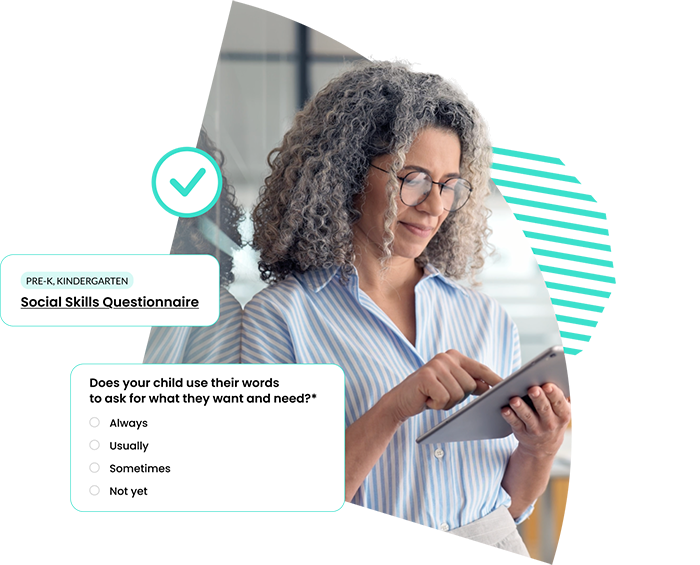
Create forms quickly using templates.

Expedite the form creation process by using our Template Forms Library. Customize the template forms as much as wanted. Add your own templates and share them with your school administrators.

School Online Forms App Software
K12 forms

Use all modern form field types.

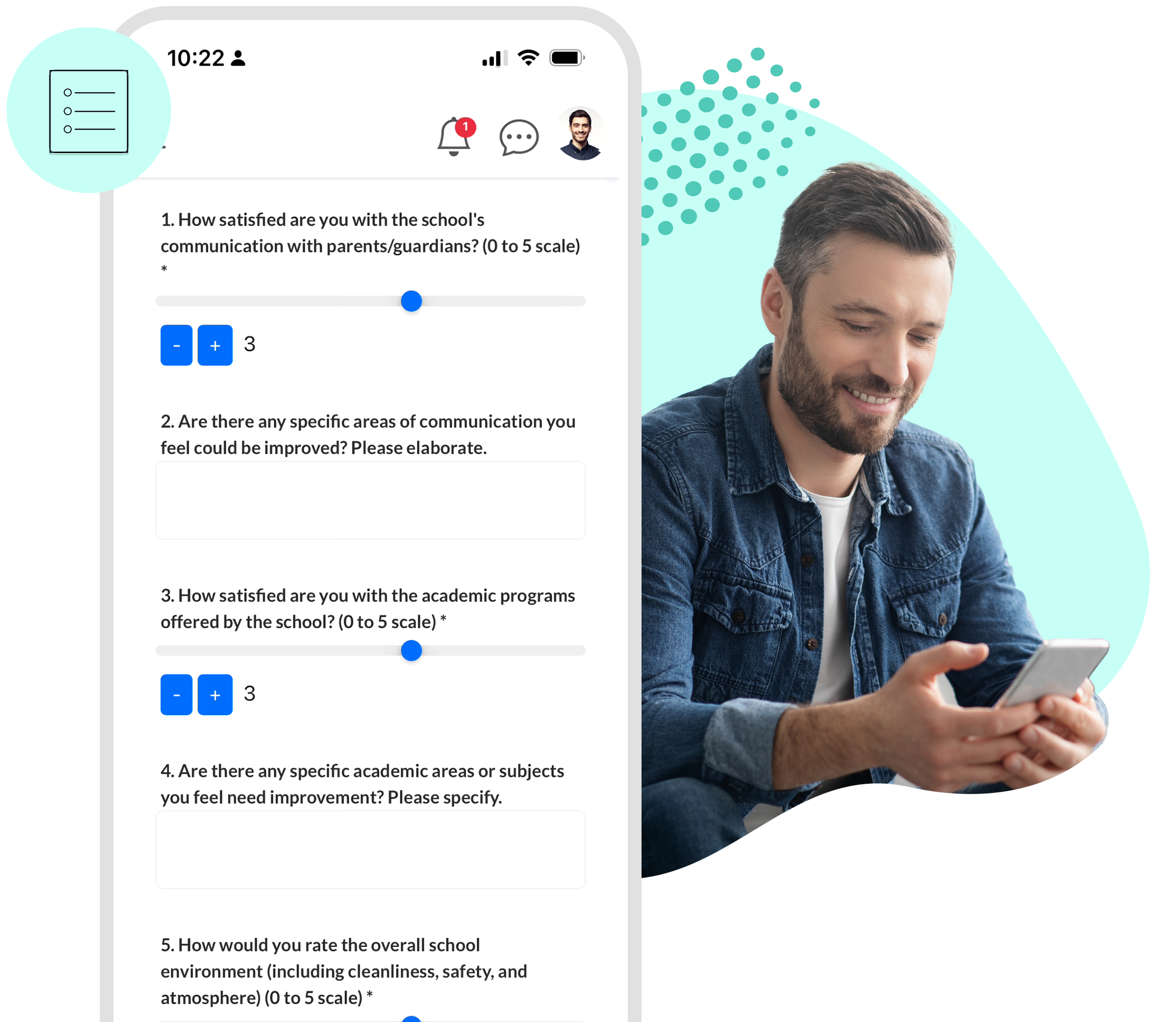
Text fields, radio buttons, drop-downs, checkboxes, date pickers, range sliders, file upload, and more! The School Signals K12 online forms are ready to meet your demanding information and data-collecting needs. 

Create surveys and feedback forms.

Create surveys and feedback forms that give your school community a voice. Choose from templates or build your own, and allow anonymous responses to make participation more comfortable.

School online forms app K-12 software

Account Integrated Online Forms

With School Signals, online forms are part of your broader communication system—from publishing and distribution to submission tracking and account-level history.

A key advantage of using School Signals online forms is that submissions are integrated directly into user accounts—unless a form is intentionally set to anonymous. This allows schools to view form responses at the account level and maintain a clear history of participation over time. Integrated forms improve tracking, reduce duplication, and make it easier to share accurate information across the system when appropriate.

Target forms to specific audiences such as grade levels, classrooms, groups, or school events. Control how each form is used by allowing single submissions per parent or enabling re-submissions as needed.

New forms are automatically announced in the School Feed, with notifications sent to the intended audience. And to save time, start with templates from the built-in forms library.

School Online Forms Availability and Features in School Communication Platforms

FeatureSchool SignalsParentSquareBloomzSchoolStatusClassDojoApptegyRemind
Built-in form builder (no external tools)
Parent-linked submissions (tied to account/student)
Anonymous survey submissions (configurable)
Audience-based publishing (school, classroom, group, etc.)
Forms for staff/teachers only (internal use)
Embedded in communication hubs (classrooms, groups, events)
Event / RSVP integration
Parent-teacher conference form integration
Form Templates
Feedback & survey collection
File attachments (upload documents in forms)

We will show you how School Signals works, and answer your questions. Product discovery calls take 15 to 30 minutes.

K12 School Forms FAQ

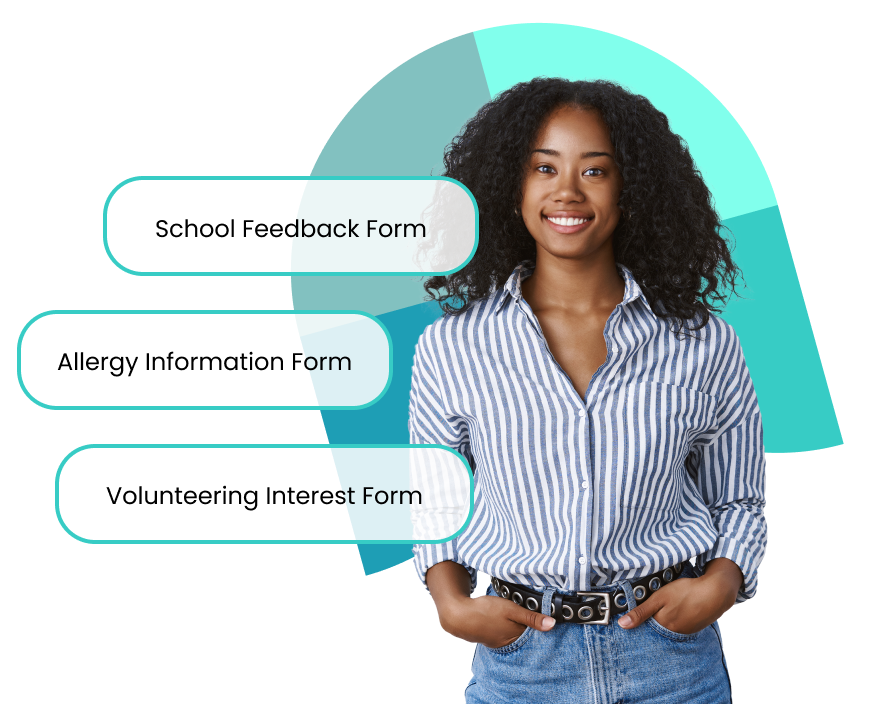
Online forms provide convenience. Schools often provide digital forms to obtain permission, gather feedback, register for an event, survey volunteer interest, collect required athletic forms, allow parents to submit changes to contact or student information, and make practical arrangements for early dismissal or an absence due to an appointment. In summary, common forms are:

  • Permission slips (field trips, activities)
  • Parent feedback and surveys
  • Event forms
  • Volunteering interest forms
  • K12 Athletics forms
  • Student information forms
  • Meeting scheduling requests
  • Snack order forms
  • Absence request forms
  • Incident reporting forms

Online forms make it easier for families to respond and give feedback. Access to school feedback forms and practical forms for filing information increases trust in the school as an institution.

Schools should look for:

  • Accessible location where all required forms can be found by parents
  • Language translated forms
  • Easy form creation (templates + customization) for school admins and teachers
  • Mobile-friendly access for all stakeholders
  • Integration with communication platforms for one place
  • Clear tracking of responses; wider access to form results by admin-level stakeholders
  • Results reporting and export features
  • Ability to share forms with specific audiences
Boost school communication

Why Choose the School Signals Online Forms Feature:

k12 school online form software

Learn More About Account Integrated Online Forms