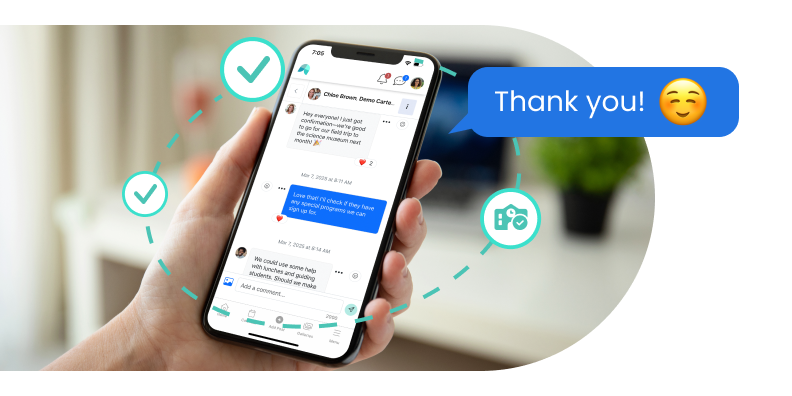
Send district announcements, target selected schools, issue Critical Alerts. Maintain oversight while individual schools manage their own communication.
School districts manage communication across all schools in one platform.
Lead district communication with clarity
Send district updates through one platform.
Publish announcements across all schools or target selected schools.
Notify reliably by email, text, voice and app push.
Reduce the need for families to check district websites and separate systems.
Track delivery, monitor responses, and moderate questions and comments.
Alert school communities instantly
Critical alerts reach everyone.
Target all or selected schools.
Notifications are sent by email, text, voice message, and app push.
Alerts stay on the platform for questions or comments.
Maintain oversight over communication
Coordinate communication across schools.
Step in to add and manage communication.
Review school communication & messaging.
Support local administrators.
Use mobile for updating communities.
Mobile app encompasses all admin and communication features.
Choose your device; you don't have to use desktop to manage content or communication.
Two-factor authentication protects data.
Schools, Districts & Scale
1.Can School Signals support large schools and school districts?
Yes. School Signals is designed for whole-school and multi-school communication.
District administrators can manage communication across multiple schools while each school maintains its own community, administrators, classrooms, programs, and communication.
2.Can a district manage multiple schools within one School Signals account?
Yes. District Admins can manage multiple schools through their district account.
A district can also limit a District Admin's access to a defined group of schools rather than automatically giving every District Admin access to every school.
3.Can district administrators publish communication across multiple schools at once?
Yes. District Admins can publish district communication to all schools or select the individual schools that need to receive it.
Families see the communication within their own School Signals environment rather than having to follow a separate district system.
4.Can district communication be targeted to specific schools instead of the entire district?
Yes. A District Admin can select which schools receive a District Post rather than automatically sending every district communication to every school.
5.Can individual schools still manage their own communication within a district account?
Yes. District communication and school-level communication operate as separate levels within School Signals.
School leaders can continue managing their own school communication while district leaders publish information that applies across multiple schools.
6.Can School Signals support communication at the district, school, grade, classroom, team, club, and group levels?
Yes. Communication can be connected to the right audience.
School Signals supports district communication, schoolwide posts, grade levels, classrooms, clubs and programs, groups, staff communication, and individual messaging.
7.Can district administrator access be limited to certain schools?
Yes. A district can give an administrator access to all schools or restrict that administrator to a selected group of schools.
This allows districts to align School Signals access with regional, departmental, or other administrative responsibilities.
8.Can School Signals support thousands of students, parents, teachers, and staff?
Yes. School Signals supports both individual schools and multi-school organizations serving thousands of students and family members.
Its district structure lets larger organizations manage multiple school communities without treating every user as one undifferentiated audience.
9.Can districts use School Signals for online forms and other family workflows?
Yes. District administrators can create online form templates and share them with schools across the district.
Each school can then publish the form within its own school community, providing district consistency while maintaining school-level distribution and submission management.
10.Can a district start with one school before expanding School Signals across additional schools?
Yes. A district can begin with a pilot at one school and expand School Signals after the district team has experience with the platform and launch.
Bring School Communication and Family Engagement Together