
Informal style
Subject: Introducing School Signals, Our School Communication Platform/App
Dear Parents,
We’re excited to let you know that [School Name] will now use School Signals as our main way to communicate with families.
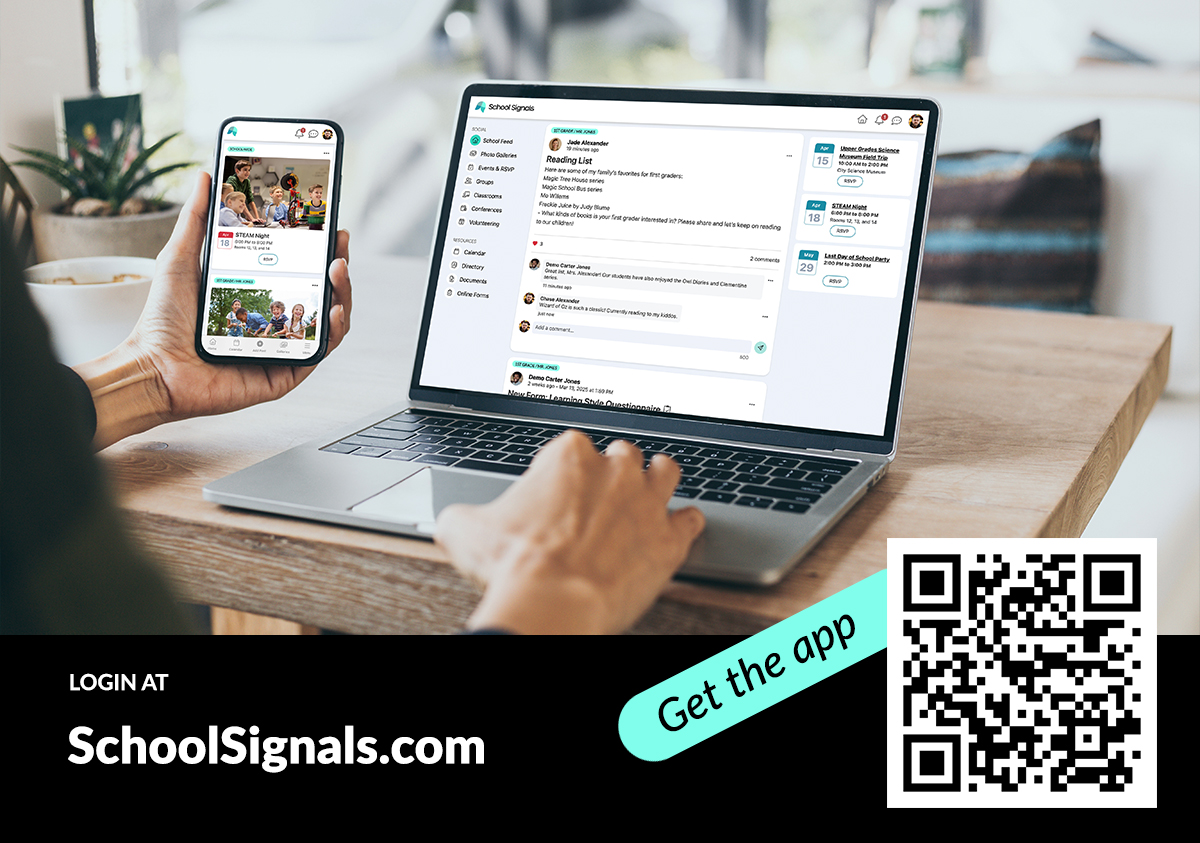
With School Signals, you’ll get updates about school news, upcoming events, volunteer opportunities, and photos. Your child’s teachers will also share classroom news and learning updates with you.
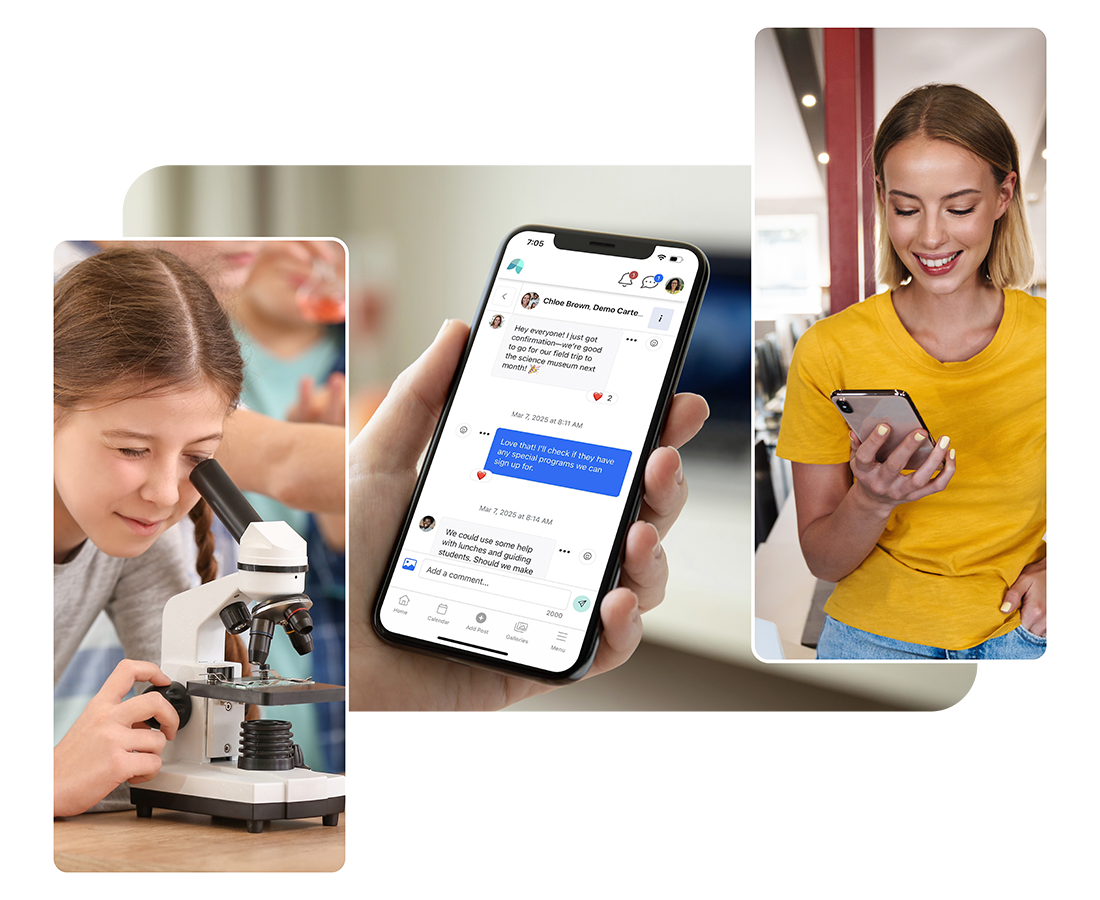
You’ll be able to comment on posts, join discussions, and send messages to teachers and other members of our school community.
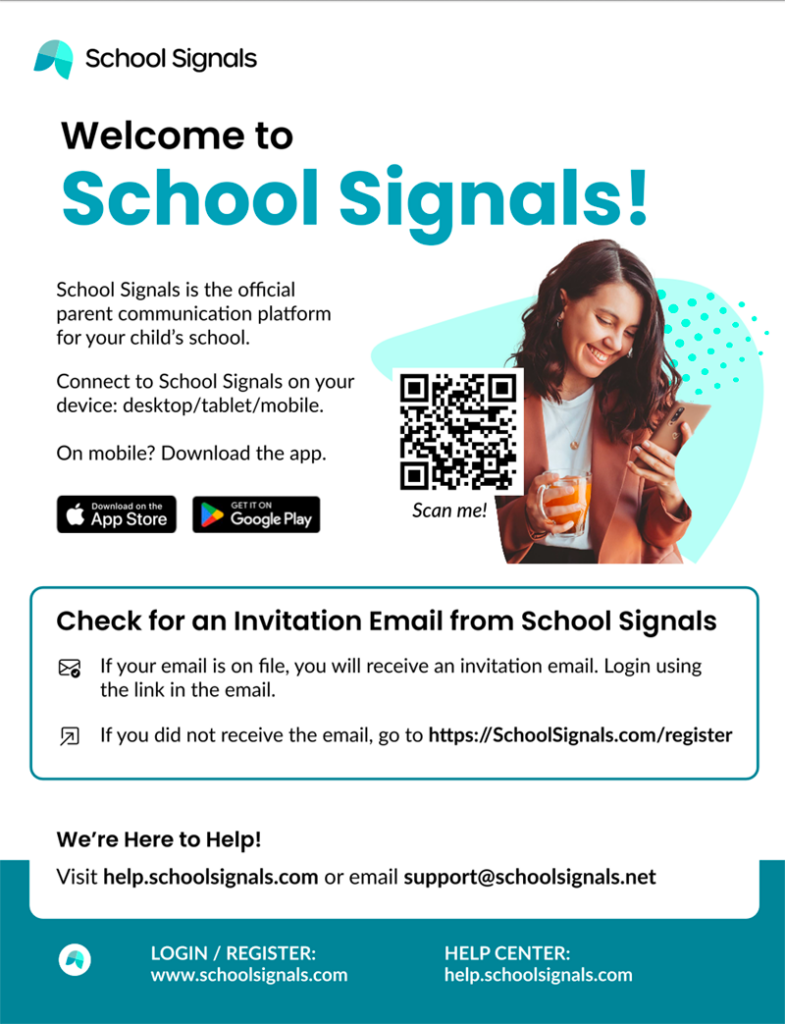
You’ll receive an invitation to your email soon. Activating your account is fast; just click the link in your email.
If you have any questions, please contact us!
Sincerely,
Your Name
Formal style
Subject: New School Communication Platform and App: School Signals
Dear Parents,
[School Name] has selected School Signals as our official school-home communication platform.
We will use School Signals to share school updates, events, volunteering and photos. You’ll also receive classroom news and learning updates from your child’s teachers.
Families can comment on posts, join discussions, and message teachers or other community members.
You will receive an email invitation soon. Please follow the link in the message to activate your account.
If you have any questions, please don’t hesitate to reach out.
Sincerely,
Your Name